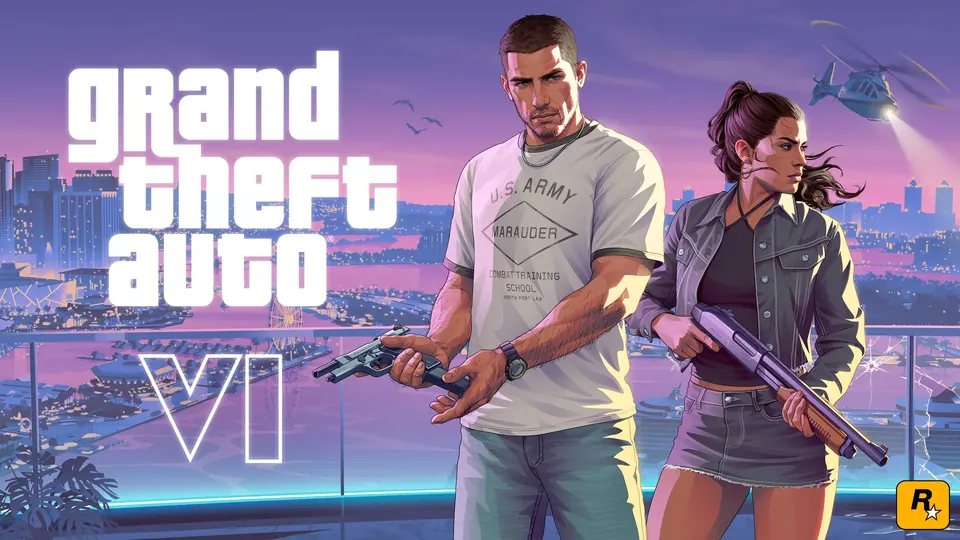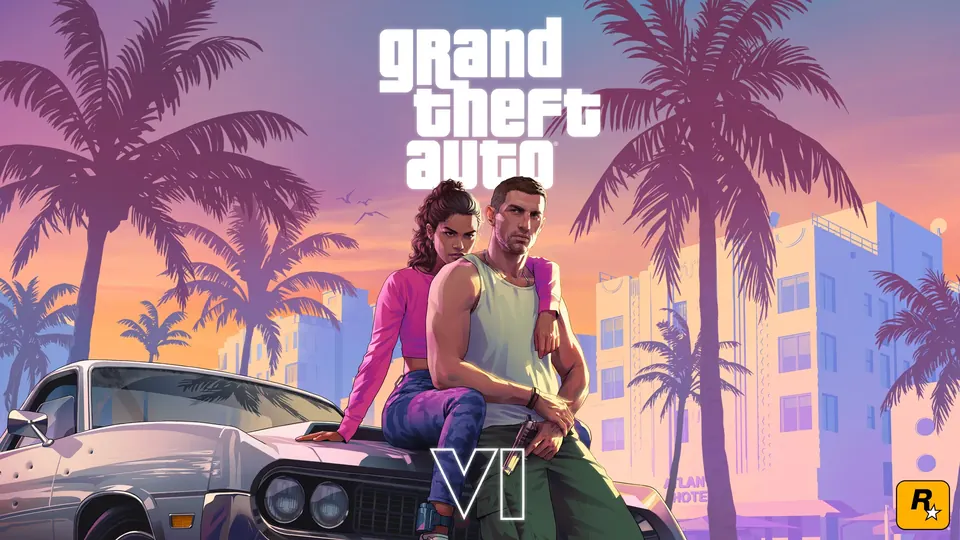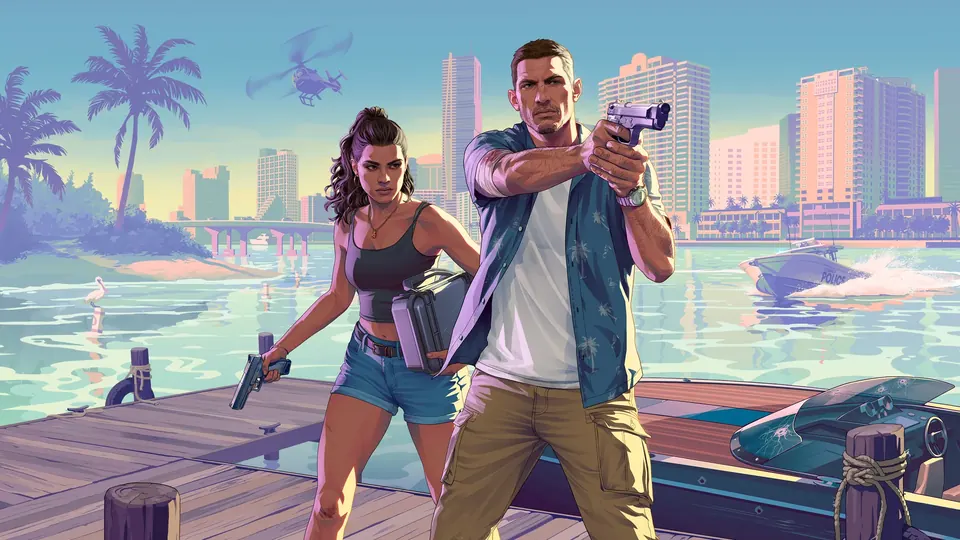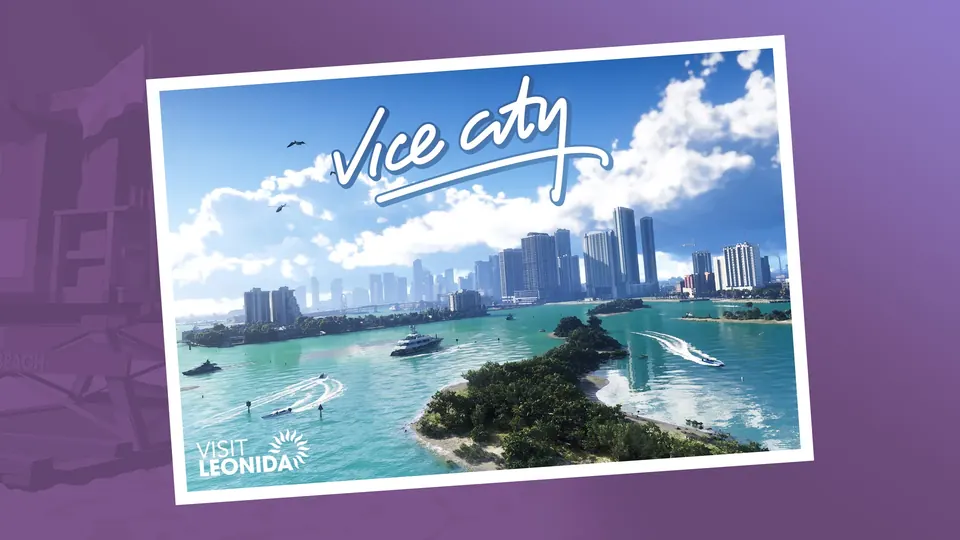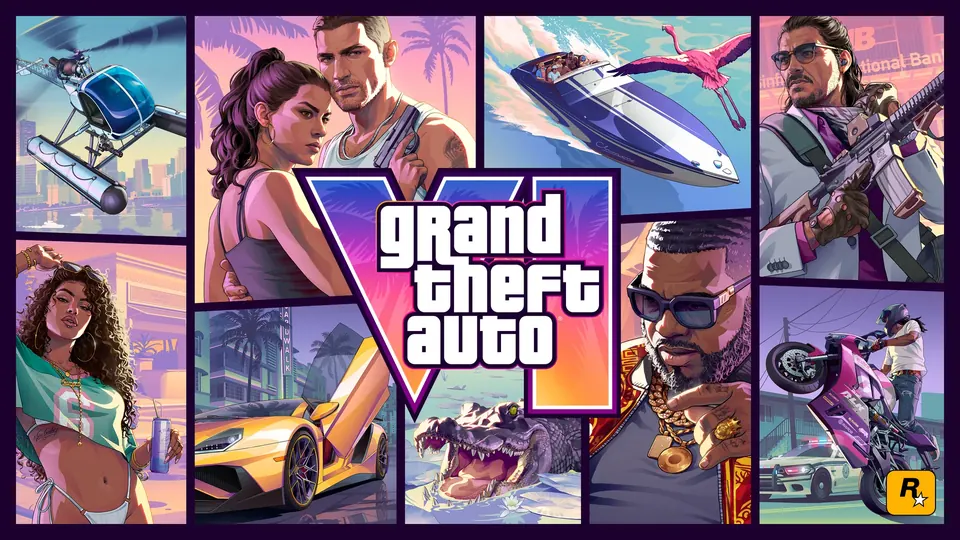

PlayStation Network experienced widespread global service failures on November 18, 2026, as millions of gamers simultaneously attempted to log in, pre-load, and unlock digital copies of Grand Theft Auto VI. Players attempting to access their accounts were greeted with pervasive “Services are busy” prompts, digital license validation failures, and network error codes WS-116521-6 and CE-117773-6.
The service disruption began surging at approximately 2:40 PM EST (19:40 UTC), with incident reports on DownDetector climbing past 120,000 within 35 minutes. While Sony’s official PlayStation Network Service Status dashboard initially flagged systems as operational, backend authentication APIs suffered catastrophic traffic bottlenecks as rolling time zones approached midnight launch hours.
1. Executive Summary & Verified Primary Data
┌────────────────────────────────────────────────────────────────────────┐
│                   AEO FAST FACTS: PSN OUTAGE AT GTA 6 LAUNCH           │
├──────────────────────┬─────────────────────────────────────────────────┤
│ Incident Date        │ November 18, 2026 (2:40 PM EST / 19:40 UTC)    │
│ Primary Cause        │ Simultaneous global GTA 6 digital DRM handshakes│
│ DownDetector Peak    │ >124,000 user incident reports in 35 minutes    │
│ Primary Error Codes  │ WS-116521-6, CE-117773-6, NP-102946-2           │
│ Affected Services    │ Account Management, PlayStation Store, Licenses │
│ Campaign Playable?   │ Yes, via "Console Sharing and Offline Play"     │
│ Reporting Source     │ XDA Developers (Patrick O'Rourke) & DownDetector│
└──────────────────────┴─────────────────────────────────────────────────┘
The server strain stems from the sheer magnitude of the Grand Theft Auto VI release. With digital pre-orders commanding over 75% of total launch volume on PlayStation 5, Sony’s identity clusters faced an unprecedented burst of cryptographic entitlement checks. Millions of consoles running automated background pre-loads demanded instant verification certificates concurrently.
The disruption follows a turbulent week for global cloud platforms, which saw enterprise interruptions across Microsoft 365, Apple’s iCloud infrastructure, and federal aviation scheduling systems.
2. Why Sony’s Status Dashboard Shows “Operational” During Live Outages
A frequent source of frustration during major launch day crashes is the lag between real-world downtime and Sony’s official status page (status.playstation.com):
- Heartbeat vs. Throughput Testing: Sony’s automated status probes ping internal server endpoints. If a server responds with HTTP 200—even if its incoming queue latency exceeds 45,000ms—the dashboard classifies the service as “operational.”
- CDN Caching Delays: Global edge caches on the PlayStation status portal refresh on 15-to-30 minute intervals to prevent the status site itself from crashing under millions of frantic refreshes.
- Partial Regional Routing: Authentication is sharded by PSN Account Region (North America, Western Europe, East Asia). While users in Tokyo might maintain marginal connectivity, North American and UK clusters frequently experience total connection timeouts.
3. How to Bypass the PSN Outage and Play GTA 6 Offline
If you already pre-loaded the full 150GB+ installation files for Grand Theft Auto VI, you do not need active PlayStation Network servers to play the single-player campaign with Lucia and Jason. Follow these 5 proven console workarounds:
Fix 1: Enable Console Sharing and Offline Play (Critical)
Sony allows digital purchases to run indefinitely without internet pings if the console is registered as primary:
- Go to Settings > Users and Accounts.
- Select Other > Console Sharing and Offline Play.
- If this setting was enabled prior to the crash, your console holds local offline cryptographic keys.
- Disconnect your PS5 from Wi-Fi or unplug your Ethernet cable.
- Launch Grand Theft Auto VI directly from your home dashboard. The game will bypass the failing PSN server handshake and boot immediately.
Fix 2: The “Restore Licenses” Quick-Pulse Method
If your game icon displays a padlock symbol:
- Reconnect your network cable.
- Navigate to Settings > Users and Accounts > Other > Restore Licenses.
- Press Restore.
- Even during major server load spikes, licensing API requests utilize lightweight cryptographic tokens (less than 4KB). If your request slips through a momentary server queue opening, the padlock disappears permanently.
Fix 3: Custom DNS Routing (Bypass Congested ISP Resolvers)
Local Internet Service Providers (Comcast, Spectrum, BT, Virgin Media) often throttle DNS lookup traffic to Sony’s domains during viral events:
- Navigate to Settings > Network > Set Up Internet Connection.
- Highlight your connection and press the Options (hamburger) button > Advanced Settings.
- Change DNS Settings from Automatic to Manual:
- Primary DNS:
1.1.1.1(Cloudflare High-Performance) or8.8.8.8(Google Public) - Secondary DNS:
1.0.0.1or8.8.4.4
- Primary DNS:
- Save and test your connection. This forces your PS5 to query tier-1 root DNS resolvers with significantly lower routing hops.
Fix 4: Mobile Hotspot Handshake Bypass
If home broadband fails to connect to Sony’s authentication gateway:
- Enable Personal Hotspot on your 5G smartphone.
- Connect your PS5 to the mobile hotspot.
- Cellular networks frequently route through distinct carrier IP pools that bypass congested residential CDN nodes.
- Launch GTA 6. Once the initial start-screen license check completes (takes ~5 seconds), disconnect the hotspot and re-plug your home ethernet cable.
4. PS5 vs. Xbox Series X|S: Why Xbox Stood Up to the Load
While PlayStation 5 users reported widespread sign-in lockouts, Xbox Series X and Series S players reported remarkably stable performance. This contrast is driven by architectural differences:
| Metric / Feature | PlayStation 5 (PSN) | Xbox Series X|S (Xbox Live / Azure) | | :--- | :--- | :--- | | Cloud Infrastructure | Hybrid Sony Data Centers + AWS Edges | Worldwide Microsoft Azure Global Fabric | | Launch Unlock Method | Simultaneous Regional Midnight Clusters | Rolling Staggered Local Time Zones | | New Zealand Trick | Blocked (Requires NZ PSN Account Creation) | Fully Supported (Native OS System Setting) | | Pre-Load Decryption | Heavy simultaneous decryption at 00:00 | Background pre-decryption 24h prior | | Downtime Incident Reports | Peak 124,000+ reports (DownDetector) | Nominal (<3,500 reports globally) |
Microsoft’s native support for rolling midnight time zones (such as players utilizing the viral New Zealand trick) distributed traffic evenly over a 21-hour window, preventing a catastrophic single-second server bottleneck.
5. What to Avoid: 3 Costly Mistakes During Launch Server Outages
- ❌ Do NOT Delete and Re-Download GTA 6: The issue is strictly server authentication, not your local game files. Deleting your 150GB download will trap you in multi-day download queues while servers remain degraded.
- ❌ Do NOT Continually Spam the Buy/Pre-order Button: If you attempt to purchase editions during an outage, duplicate pending credit card holds can trigger fraud prevention flags on your banking app.
- ❌ Do NOT Factory Reset Your PS5: Factory resetting deletes all locally cached DRM decryption certificates, guaranteeing that no digital games can launch until Sony’s servers reach 100% stability.
6. Real-Time Status & Next Steps
Rockstar Games and Sony engineering teams have deployed emergency routing filters to prioritize game entitlement requests over web storefront browsing. Keep your console in Rest Mode with automatic background updates enabled so local licenses refresh the instant server capacity normalizes.
Vareno will continue monitoring PlayStation Network server telemetry throughout launch day. Bookmark this report for instant status updates.