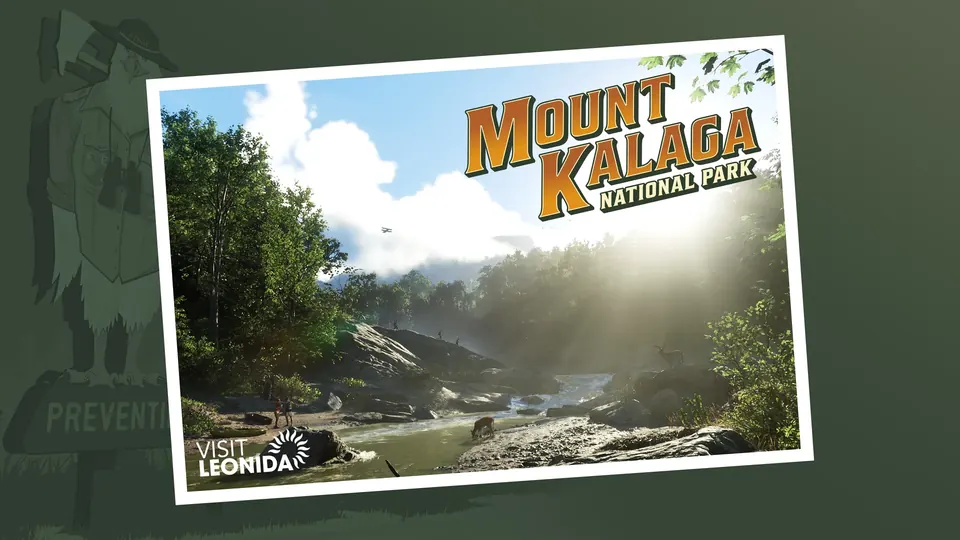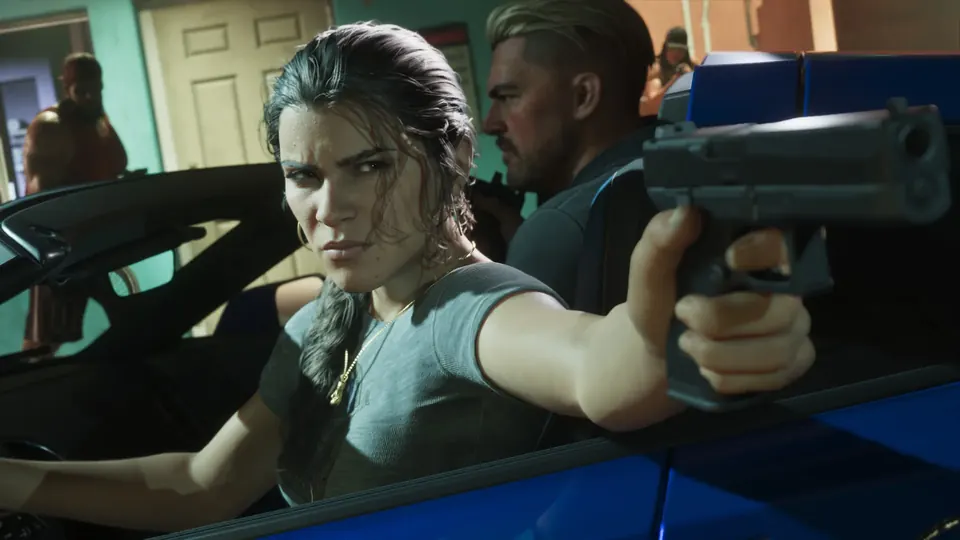
With Grand Theft Auto VI breaking worldwide live-streaming records—surpassing 125 million Hours Watched on launch day across Twitch, YouTube Gaming, and Kick—thousands of content creators are broadcasting their Vice City playthroughs.
However, as highlighted by tech outlets like Mashable, broadcasting without the correct audio configuration is an instant recipe for automated DMCA copyright strikes, muted VOD archives, and channel demonetization due to the game’s hundreds of commercial songs.
Here is the complete guide on how to enable Streamer Mode in GTA 6, how it works, and how to protect your streaming channel from copyright bans.
1. Why Streamer Mode is Essential for Creators
┌─────────────────────────────────────────────────────────────┐
│                 GTA 6 COPYRIGHT HAZARDS AT A GLANCE         │
├─────────────────────┬───────────────────────────────────────┤
│ Number of Stations  │ 24 Radio Stations (Over 400 Tracks)   │
│ Major Record Labels │ Universal, Sony Music, Warner Music   │
│ Automated Detection │ YouTube Content ID & Twitch VOD Scans │
│ Penalties           │ Muted Audio, VOD Deletion, DMCA Strike│
│ Solution            │ Official In-Engine 'Streamer Mode'    │
└─────────────────────┴───────────────────────────────────────┘
Because Rockstar licensed chart-topping tracks from global artists across hip-hop, classic rock, synth-pop, and reggaeton, major record labels enforce aggressive automated digital fingerprinting. Playing even 15 seconds of a copyrighted track while driving past Ocean Drive can mute entire hours of your saved broadcast.
2. Step-by-Step: How to Enable Streamer Mode
Rockstar Games designed an intuitive, multi-tier audio filtering system in the settings menu:
┌─────────────────────────────────────────────────────────────┐
│                 HOW TO TURN ON STREAMER MODE                │
├─────────────────────────────────────────────────────────────┤
│ 1. Press Pause (Options / Menu) during gameplay.            │
│ 2. Scroll to the 'Settings' tab.                            │
│ 3. Select 'Audio'.                                          │
│ 4. Scroll down to the 'Broadcasting & Streaming' section.   │
│ 5. Toggle 'Streamer Mode' to 'ON'.                          │
│ 6. Select 'Filter Mode' -> 'Mute Licensed Music Only'.       │
└─────────────────────────────────────────────────────────────┘
Audio Filter Settings Explained:
- Option A: Streamer Mode (Full Safe Mode): Completely silences all commercial radio stations and ambient club speakers, replacing them with original, copyright-cleared instrumental music scored by Rockstar.
- Option B: Mute Licensed Music Only (Recommended): Mutes commercial music tracks while keeping radio DJ dialogue, satirical news updates, satirical commercials, and emergency weather alerts completely audible.
- Option C: Disable Music in Vehicles: Automatically turns car stereos off upon entering any vehicle, leaving only vehicle engine rumblings and road sounds.
3. Does Streamer Mode Affect Story Cutscenes or Ambient Sounds?
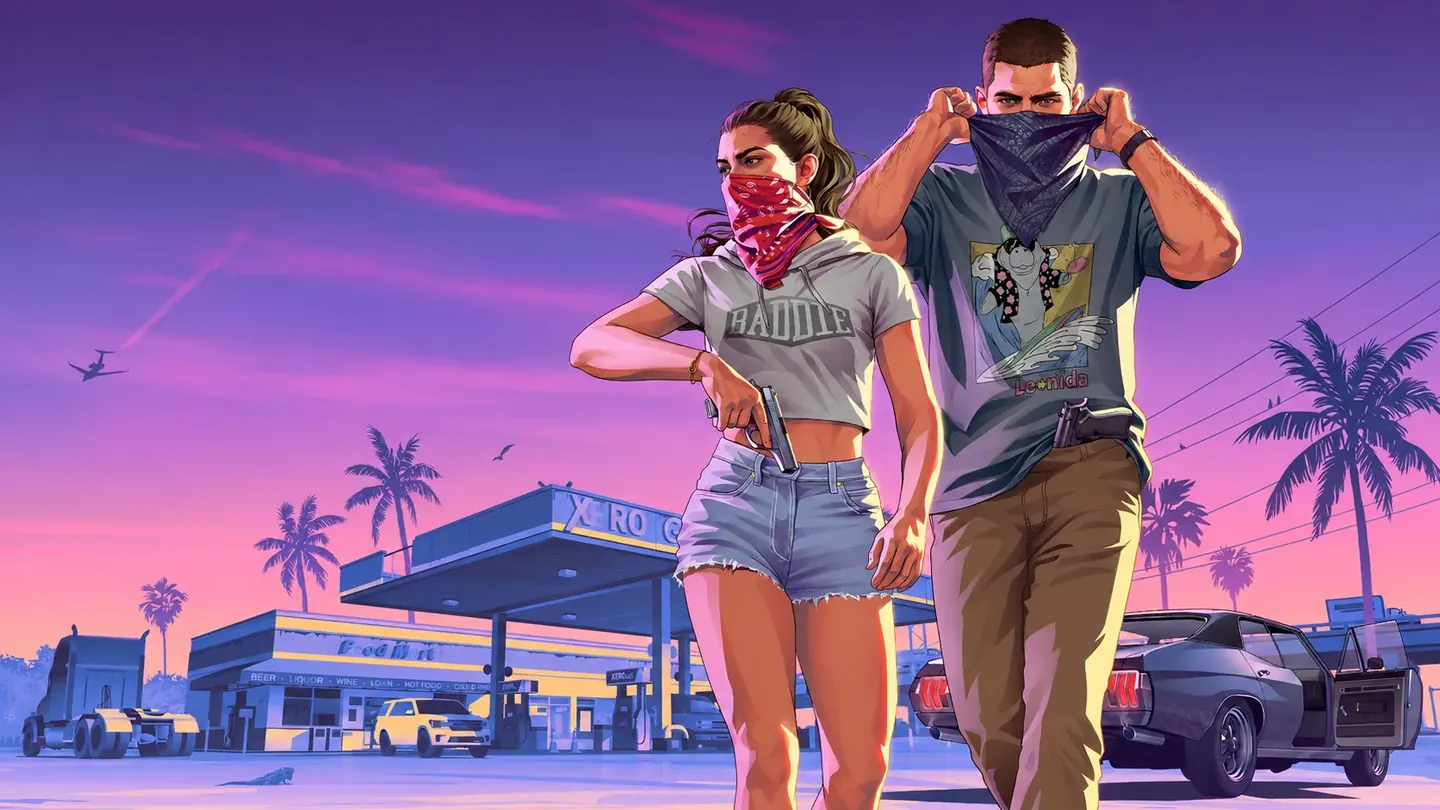
Many streamers worry that enabling Streamer Mode will ruin cinematic immersion. Fortunately, Rockstar’s audio team built dynamic replacement layers:
┌─────────────────────────────────────────────────────────────┐
│               STREAMER MODE AUDIO INTEGRITY                 │
├───────────────────┬───────────────┬─────────────────────────┤
│ Audio Element     │ Streamer Mode │ Impact on Stream        │
├───────────────────┼───────────────┼─────────────────────────┤
│ Character Dialogue│ 100% AUDIBLE  │ No dialogue is altered  │
│ Gunfire & Explosions│ 100% AUDIBLE│ Full surround dynamic FX│
│ Engine & Exhaust  │ 100% AUDIBLE  │ Full vehicle soundscapes│
│ Club & Bar Music  │ REPLACED      │ Royalty-free synth beats│
│ Car Radios        │ REPLACED      │ In-house original score │
└───────────────────┴───────────────┴─────────────────────────┘
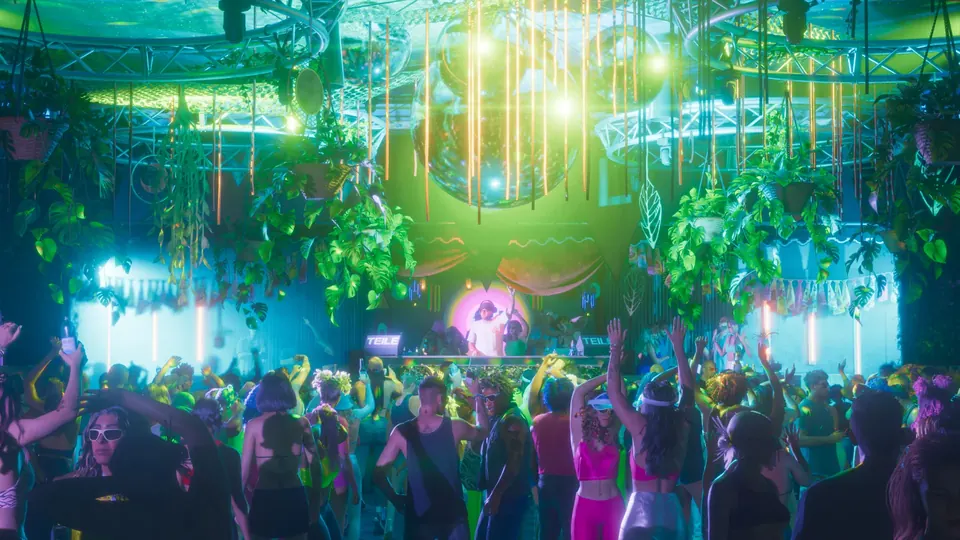
During mission cutscenes or nightclub infiltrations (such as the Delights strip club heist with Vicki), copyrighted pop tracks are dynamically replaced with original, heavy bass synth tracks that match the scene’s emotional tempo without triggering automated bots.
4. Top 5 Best Practices for GTA 6 Streamers
┌─────────────────────────────────────────────────────────────┐
│             CREATOR SAFETY CHECKLIST (YOUTUBE / TWITCH)     │
├─────────────────────────────────────────────────────────────┤
│ 1. Turn Streamer Mode ON before starting your broadcast.    │
│ 2. Set 'Separate Audio Track' in OBS for Twitch VOD Track.  │
│ 3. Do not open music streaming apps in background windows.  │
│ 4. Test microphone ducking so your voice overrides vehicle. │
│ 5. If editing clips for TikTok/Reels, use royalty-free SFX. │
└─────────────────────────────────────────────────────────────┘
By keeping Streamer Mode toggled on, you can broadcast 100+ hours of Grand Theft Auto VI campaign gameplay and free-roam chaos with complete peace of mind.
For more technical settings, mission walkthroughs, and streaming guides, keep your radar locked to Vareno.